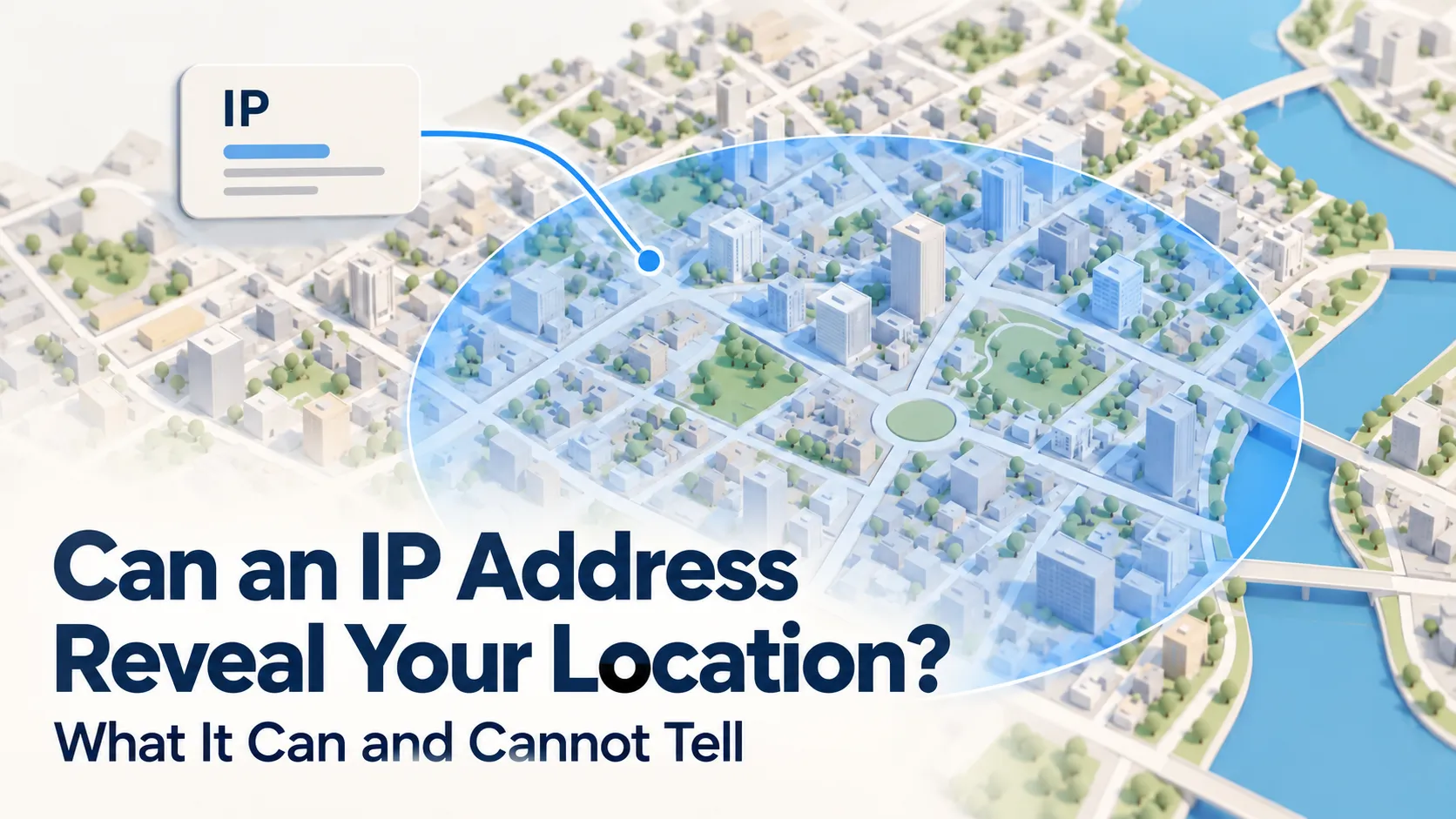
An IP address can reveal an approximate location, such as a country, region, or sometimes a city. However, a public IP lookup cannot reliably pinpoint a person, home, or street address. Its accuracy depends on the network, the location database, and whether the connection uses a VPN or another intermediary.
Table of Contents
ToggleUnderstanding these limits helps you interpret location results and make informed decisions about your privacy.
How does IP geolocation work?
An Internet Protocol address, or IP address, helps networks deliver data to the right destination. When you visit a website, the connection presents a public IP address. This may belong to your internet connection or to a service carrying your traffic, such as a VPN.
An IP geolocation service looks up that address in a database and returns an estimated geographic location. The address itself does not contain your street address or GPS coordinates.
Depending on the database, the result may include a country, region, city, postal area, or time zone. Some services also provide an accuracy radius or confidence information to help explain the estimate. MaxMind’s guide to IP geolocation data describes these fields and their limitations.
What can an IP address tell someone?
Different kinds of IP lookups answer different questions. A location estimate, a registration record, and a subscriber record should not be treated as interchangeable.
| Information | What a lookup can tell you |
|---|---|
| Country or region | An estimated location associated with the IP address |
| City or postal area | A more specific estimate, when available |
| Registered organization | The organization listed in the address registration record |
| Exact home address | Not reliably established through public IP geolocation |
| Person using the connection | Not established by the IP address alone |
| Live physical movements | Not provided by a single IP lookup |
Registration information requires particular care. An organization’s registered country or contact address does not necessarily describe where its customers, devices, or servers are located.
NRS explains this distinction in its guide to reading an RDAP record for an IP address. RDAP, the Registration Data Access Protocol, provides registration information; it is not a live location tracker.
How accurate is IP address location?
There is no single accuracy figure that applies to every IP address. Results vary by provider, country, network type, and the level of detail requested.
A service may identify a country confidently while being unable to identify the correct city. Mobile connections and privacy services can make more specific estimates especially difficult. MaxMind’s geolocation accuracy guidance explicitly states that its data cannot locate a specific individual, household, or street address.
A map pin does not prove an exact location
A lookup tool may display coordinates with several decimal places. That display can look much more precise than the underlying information.
For example, imagine a hypothetical result showing a city and a 50-kilometre accuracy radius. The map pin represents the centre of an estimated area. It does not establish that the user is standing at that point—or even guarantee that the user is within the circle.
When interpreting a result, look for the stated uncertainty instead of judging accuracy by how detailed the map appears.
Why does your IP address show a different location?
An unexpected location can have several ordinary explanations.
A VPN or proxy is carrying your traffic. For traffic routed through that service, a website sees the intermediary’s IP address. The lookup may therefore describe that connection rather than your own.
You are using a mobile network. A mobile provider’s addresses may serve people spread across a wide area. Their geographic association may not match your current town.
An address has been reassigned. Internet providers can change how and where they use addresses. Location databases may reflect different information or update at different times.
MaxMind’s explanation of why IP geolocation accuracy varies explores how these network arrangements affect results.
A wrong city alone is not evidence that someone has accessed your account. If the result appears in a login alert, also check whether you recognize the device, time, and activity.
Can an IP address identify a person?
An IP address alone does not establish who used a connection.
Several devices in a home or office can share one public IPv4 address. Internet providers can also use carrier-grade network address translation, or CGNAT, to let multiple subscribers share public IPv4 addresses.
Connecting an activity to a subscriber can therefore require additional records, including an accurate timestamp and sometimes connection port information. The Internet Engineering Task Force describes these complications in its analysis of IP address sharing.
Even identifying a subscriber account does not establish which person used a device.
However, an IP address can become more revealing when combined with other information. A website may already know your name because you signed in, or your delivery address because you supplied it. Cookies can also associate browsing activity with a user session.
The useful distinction is between what the IP address reveals on its own and what a service knows from the wider relationship.
How is IP geolocation different from GPS?
IP geolocation estimates location from network information. GPS uses satellite signals to help a device calculate its position.
Phones may combine GPS with Wi-Fi, Bluetooth, and cellular information. This can provide a more specific device location than an IP lookup. Apple explains these inputs in its guidance on Location Services and GPS.
Browser location access is another separate mechanism. A website can request location information through the browser, subject to permission. For example, Firefox explains how it uses IP and nearby Wi-Fi information when you allow location-aware browsing.
Blocking a website’s location permission does not hide the public IP address used for your connection. The website may still estimate a general area from that address.
How to manage your location privacy
Start with the information you allow services to collect:
- Review location permissions. Remove access for websites and apps that no longer need it.
- Choose approximate location where available. Some tasks do not require your precise position.
- Consider what you share through accounts. Saved addresses and location details can reveal more than an IP lookup.
- Understand a VPN’s limits. It can change the IP address websites see for traffic routed through it, but it does not remove information you provide through a signed-in account or separately granted location access.
These controls address different sources of location information. Using one does not automatically control the others.
Frequent Asked Questions
A public IP geolocation lookup cannot reliably reveal your exact home address. Linking an IP address to a household would require additional information beyond the location estimate.
No. GPS and IP geolocation work differently. Turning off GPS does not stop a website from estimating an area using the public IP address associated with your connection.
A VPN can obscure your usual public IP address from websites for traffic passing through it. It does not guarantee complete location privacy: account information and permitted device location access can still reveal where you are.
Providers may use different data, update schedules, and estimation methods. Conflicting results are a reason to treat the city as an estimate rather than proof of someone’s whereabouts. An IP lookup is useful when its uncertainty is understood. Before relying on a result, check what kind of data it shows and whether it includes an accuracy radius. For your own privacy, a practical next step is to review which apps and websites currently have permission to access your device’s location.